
Your product line just changed, and now every catalog is wrong. The price sheet is a month old, the images are last season's, and a rep is already emailing a PDF nobody updated. If that sounds familiar, you are shopping for a better way to build and share catalogs.
This guide explains what digital catalog software is and how the tools differ. You will learn the two main types, the features that matter, and how to match a platform to your scale. We compare the leading options for 2026 so you can build a shortlist and judge fit for your team.
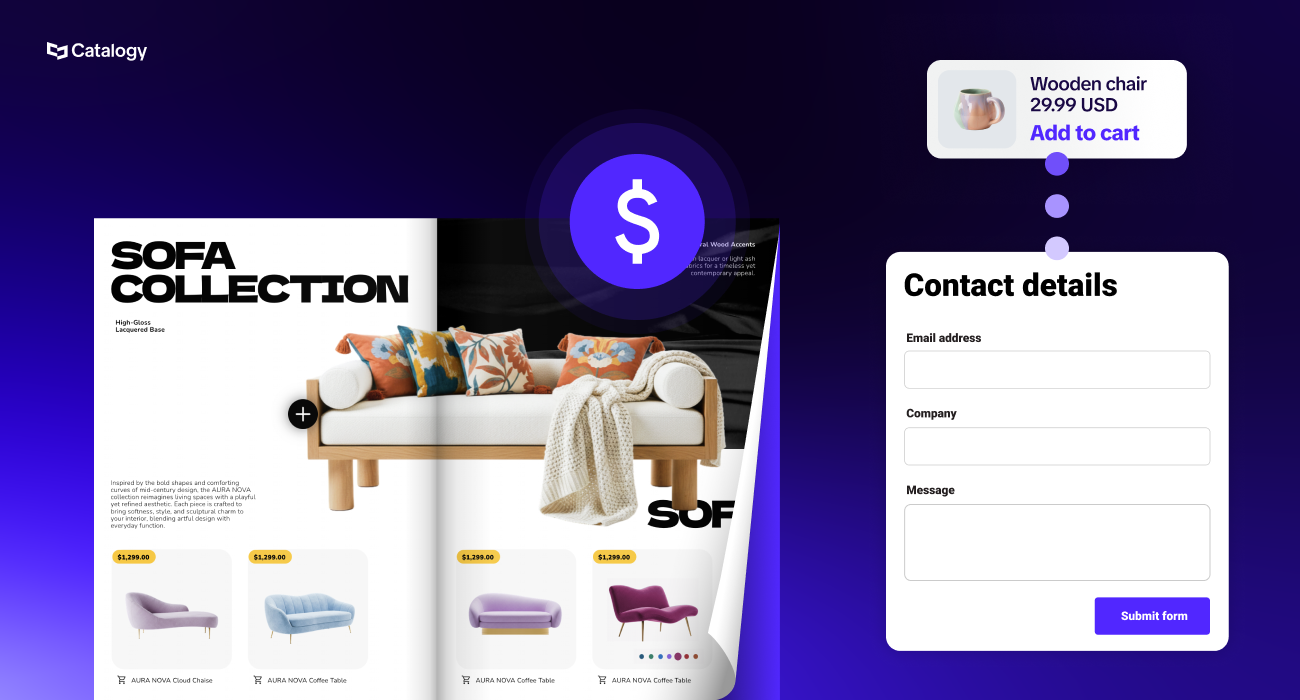
Digital catalog software is a tool that lets you create, publish, manage, and track interactive online catalogs that replace print catalogs and static PDFs. It turns a flat product file into a live, shoppable page that buyers can browse and order from.
The shift matters because a printed catalog freezes the moment it ships. A digital catalog software platform keeps product details current and lets you track how buyers engage.
For teams managing large assortments, that difference is the whole point. A catalog stops being collateral and starts working as a sales tool that updates itself and reports back on results.
Most tools fall into two groups. The first is the catalog maker, sometimes called a flipbook tool. It converts an existing PDF into an interactive flipbook with clickable links, video, search, and a page-turn effect.
Catalog makers suit teams with a finished PDF and a small, stable product list. They are quick to set up and fine for a seasonal lookbook or a one-off brochure.
The second group is the catalog management or automation platform. It connects to your product data and keeps the catalog updated as prices, specs, and inventory change. This type suits companies with large SKU counts, frequent updates, or catalogs that vary by region.
The distinction is easy to miss because vendors describe both as "digital catalogs." Knowing which one you need saves you from outgrowing a tool three months after you buy it.
Print cycles are slow. A catalog can take weeks to design and proof, and it is out of date the moment a price changes. PDFs solve the speed problem but bring their own limits, because you cannot update a downloaded file or see who opened it.
The stakes are rising as buying moves online. According to a U.S. International Trade Administration forecast, the global B2B ecommerce market will grow at a 14.5% compound annual growth rate through 2026 and is projected to reach USD$36 trillion by 2026. Buyers now expect to research and order the way they do as consumers.
Accurate product data is part of that expectation. Salsify's 2025 consumer research found that 71% of shoppers have made a return because the product didn't match the online listing. When your catalog pulls from a single, current data source, that kind of error largely disappears.
This is a shortlist across both tool types, from simple flipbook makers to data-driven enterprise platforms. The best pick depends on your scale and whether you need your catalog to update automatically from product data.
Catalogy is an enterprise platform built for product-heavy companies that manage large assortments and frequent changes. It automates catalog creation from CSVs or ERP and PIM data, so pricing, specs, and inventory stay accurate across teams, regions, and markets. Catalogy supports both B2B use cases (RFQs, quotes, distributor access) and B2C shoppable catalogs (wishlists, orders), and it reports views, clicks, and orders in real time. It is powered by Flipsnack, the digital catalog technology trusted by global brands including Electrolux and Pandora. Best for enterprise and mid-market teams that need data automation and dual B2B and B2C selling.
Flipsnack creates interactive flipbooks from PDFs or its own editor, with branded templates and shopping features. It is a strong fit for marketing teams that want polished, interactive catalogs without deep data integration.
FlippingBook turns PDFs into trackable online flipbooks and adds engagement statistics and lead capture. It works well for sales teams that want to see how prospects interact with a shared document.
Issuu focuses on publishing and distribution, letting you convert content into flipbooks and push it across social and search channels. It suits publishers and marketers who care most about reach.
Publuu converts PDFs into flipbooks and adds analytics, hotspots, and easy sharing. It fits small teams that want a quick, good-looking catalog with basic tracking.
FlipHTML5 makes PDF flipbooks with a large template library and animation options. It appeals to teams that want design flexibility on a budget.
DCatalog offers B2B catalogs with order and quote forms built in. It is aimed at wholesalers and distributors that need buyers to submit orders from the catalog.
Akeneo is a product information management (PIM) system rather than a catalog maker. It organizes and cleans product data at the source, which catalog platforms can then pull from. Best for companies that need to fix their data foundation first.
The ERP/PIM and B2B commerce columns show the real split. Flipbook tools handle the visual layer well, while data-driven platforms connect to your product source and support live selling.
The right features depend on your goals, but a few separate a working sales tool from a fancy PDF. Here are the ones that matter most.
Data sync and analytics are where flipbook tools usually fall short. For a fuller breakdown, see Catalogy's guide to essential catalog features.
Yes. The strongest platforms sync with ERP and PIM systems, and they can also import from CSV files. This is the feature that turns a catalog from a document into a data-driven asset.
Here is what it means in plain terms. You connect your product data once, and the catalog updates automatically whenever the source changes. A price update in your ERP flows straight to every catalog that uses it.
Compare that to the manual path, where someone exports a file, redesigns a PDF, and re-uploads it every time. Automation cuts that busywork and removes the version-mismatch errors that come with it. See our guide to ERP catalog integration for how the connection works.
Accurate data is not a nice-to-have. Salsify's 2025 consumer research found that 84% of shoppers rate pricing and availability very or extremely important, followed closely by product titles and descriptions at 77%. When the catalog pulls from your system of record, those details stay right.
One platform can serve very different needs. What a wholesale sales team requires from a catalog looks nothing like what a fashion retailer wants. The next two sections break down each side.
B2B teams share catalogs with buyers, partners, and dealer networks to close deals. They need trackable, shoppable catalogs that support requests for quote, order requests, and private access for specific distributors.
Self-service is now the standard way buyers want to work. According to Gartner (June 2025), 61% of B2B buyers prefer a rep-free buying experience overall. A catalog with RFQ and ordering built in lets buyers move on their own schedule.
Private publishing rounds this out. You can gate distributor pricing behind a login and still track who views and orders what. For more, see our guide to digital B2B catalogs.
B2C retailers want interactive experiences that drive shopping. They highlight seasonal collections, share promotions in shoppable formats, and let customers browse and build wishlists on their own.
Channel consistency matters on both sides of that divide. McKinsey's B2B Pulse (2024) found that B2B buyers use an average of ten interaction channels in their buying journey, up from five in 2016, and the same expectation now shapes B2C. A branded, shoppable catalog keeps the experience the same whether someone arrives from email, social, or a QR code in store.
A quick framework keeps the decision grounded. Work through these questions before you compare feature lists.
Scale and data source are the two questions buyers skip most often, and they are the ones that decide fit. For a deeper list, use this catalog software evaluation checklist.
The move from print to digital changes four things at once. This table lays them side by side.
Measurability is the advantage that print can never match. A digital catalog tells you what buyers looked at and where they dropped off, which turns guesswork into decisions. For a closer look at the numbers, see our breakdown of print and digital catalog costs.
Interactive product catalogs should have shoppable elements, branded templates, real-time product-data sync, analytics, and trackable sharing through links or QR codes. Together these turn a static file into a measurable sales tool.
Can digital catalogs integrate with ERP systems?
Yes. Leading platforms sync with ERP and PIM systems so catalogs update automatically from your source data, which keeps pricing, specs, and inventory accurate everywhere.
Pricing ranges from free flipbook tiers to enterprise plans, and enterprise catalog platforms typically use custom catalog pricing based on SKUs, users, and integrations. Match the plan to your scale rather than the sticker price.
Upload a PDF or connect your product data, apply a branded template, and add interactive elements like links or a cart. Then publish and share the catalog through a link or a QR code.
The best fit depends on your scale and whether you need data automation. Flipbook tools suit simple, stable catalogs, while enterprise platforms suit large, data-driven catalogs that change often.
.png)