
Many businesses believe that moving from a paper catalog to a digital one is enough to increase sales. They take their existing PDF, upload it to a flipbook tool, and wait for the orders to come in. However, simply putting a document online does not guarantee success. If your digital catalog is not generating leads or closing deals, you likely have a few structural problems that are holding you back.
In a modern sales environment, your catalog needs to be more than a visual file. It needs to be a tool that helps your sales team and makes life easier for your buyers. If the experience is frustrating or slow, buyers will go somewhere else. At Catalogy, we provide the infrastructure to help you avoid these common pitfalls.
In this guide, we will break down the five most frequent digital catalog mistakes and the practical fixes you can use to improve your results.

The biggest mistake you can make is relying on a PDF catalog as your primary sales tool. For a long time, the PDF was the standard. It was easy to make and easy to email. But once you understand how modern digital catalogs work, you realize that staying with a PDF is like shooting yourself in the foot.
A PDF is static. This means once it is created, it cannot change. It is essentially a piece of digital paper. It is heavy, it is hard to open on many devices, and it lives in a silo. It has no connection to your website, your inventory, or your sales data. When you send a PDF, you are sending a document that is already starting to expire.
The fix is to move to a digital catalog platform like Catalogy. Instead of a file that people have to download, you provide a link to an interactive experience. A web-native catalog loads instantly in a browser. It doesn't require extra software to open. Most importantly, it is dynamic. This means it can be updated, tracked, and searched. By moving away from the PDF, you move from a stagnant document to a live sales asset that actually helps you grow.
The biggest mistake a brand can make is showing a product but providing no way to buy it. In a traditional PDF or a basic flipbook, a customer sees an item they like and then has to do a lot of work. They have to leave the catalog, go to your website, and search for the product name or SKU. Every time you ask a customer to take an extra step, you risk losing the sale.
A shoppable catalog removes the distance between seeing a product and buying it. Instead of forcing the customer to search elsewhere, you let them act immediately. By adding interactive tags to your images, you allow customers to click on a product to see the price and a "buy" button.
This is a simple but powerful fix. When a customer is looking at your products, their interest is at its highest point. If they can click and buy right then, they are much more likely to complete the purchase. Catalogy helps you turn your images into shopping opportunities. This makes the buying process much faster and reduces the chance of a customer getting distracted and leaving.
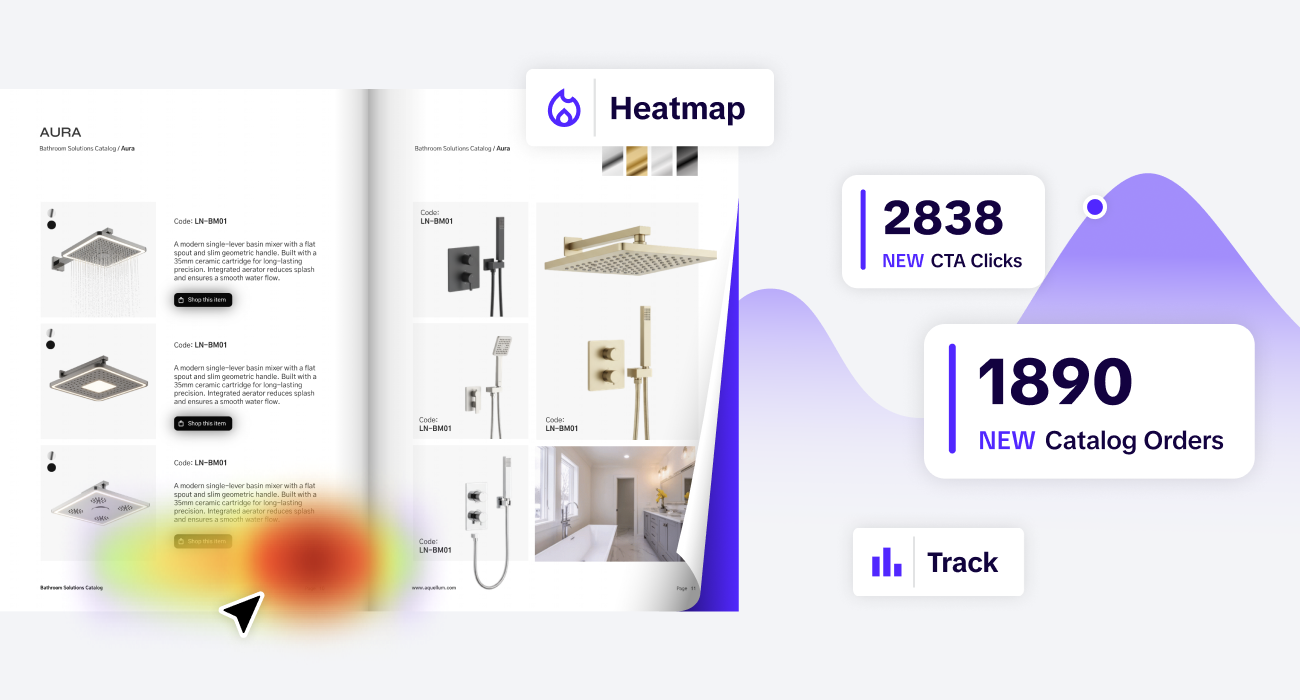
If you send out a catalog as an email attachment or a simple link, you are not going to see the big picture. You have no idea if the customer actually opened the file. You do not know which products they looked at or which pages they skipped. Without this data, your sales team is just guessing who they should call and what they should talk about.
A trackable digital catalog gives you real data on your customers' behavior. When you use a platform like Catalogy, you get a dashboard that shows exactly how your catalog is performing.
By fixing the data gap, you empower your sales team to be more proactive. They can stop making cold calls and start having meaningful conversations based on what the customer has already shown interest in.
Managing a catalog manually is a recipe for mistakes. Prices change, products go out of stock, and new versions are released. If you are using a static file, you have to manually update it every time something changes. This leads to a situation where your customers are often looking at the wrong information. This causes confusion, pricing disputes, and a loss of professional trust.
An automated catalog stays in sync with your business. By connecting your catalog directly to your PIM (Product Information Management), ERP (Enterprise Resource Planning), or to anything that might be considered your single source of truth, you ensure the data is always right.
Automation saves your team hundreds of hours of manual work. It also ensures that your brand always looks professional and reliable.
Most people today use their phones for work. They check emails, look at products, and place orders while they are on the move. A common mistake is providing a catalog that only works well on a large computer screen. If a buyer has to "pinch and zoom" to read the text on their phone, they will get frustrated and close the link.
A mobile-friendly catalog is designed to work on any screen size. It is not just a shrunken version of a desktop site; it is a responsive experience.
When you make your catalog easy to use on a phone, you make it easier for your customers to do business with you. Whether they are in a warehouse or at a trade show, they can find what they need in seconds.

Many brands send a massive 500-page catalog to every single customer. If a buyer only cares about one specific category of products, they have to waste time flipping through pages of irrelevant information. This is overwhelming and makes your brand feel less personal. In a busy world, buyers appreciate relevance.
Instead of one "master catalog," use your digital infrastructure to create smaller, targeted versions.
Personalization makes the customer feel like you understand their needs. It makes your inventory feel manageable and curated. When a customer sees exactly what they need right away, they are much more likely to make a purchase.
Fixing these digital catalog mistakes is about more than just a better design. It is about efficiency and revenue. When you move away from old-fashioned files and toward a professional sales infrastructure, your entire company performs better.
Think about the hours your marketing team spends on manual updates and fixing errors. Think about the cost of design revisions. Automation and better tools remove these costs. You can use that saved time to focus on growing your brand instead of just maintaining your files.
Because a modern catalog is easier to buy from and easier to search, the time between "first look" and "final sale" gets shorter. You are providing the information the customer needs exactly when they need it. This increased speed leads to more revenue and happier customers.
The market has outgrown the static PDF. If your digital catalog is still performing like a digital version of a paper book, you are missing out on opportunities every day. You are making your customers work too hard, and you are leaving your sales team with no data to work with.
By focusing on a shoppable catalog that is automated, trackable, and mobile-friendly, you provide the modern experience that buyers expect. You turn your product list into a reliable sales infrastructure that scales as your business grows.
At Catalogy, we specialize in helping brands fix these mistakes. We provide the white-label infrastructure that turns your catalogs into your most powerful sales tools. It is time to stop sending attachments and start sending interactive experiences that actually drive results.
If your customers look at your catalog but then have to call you or go to a different website to place an order, you have friction. A modern catalog should allow them to at least build a shopping list or start a quote request directly from the page.
Once a PDF is downloaded or sent as an attachment, you lose all visibility. To track behavior, you need a web-native catalog that uses live links. This is the only way to get deep analytics on buyer intent.
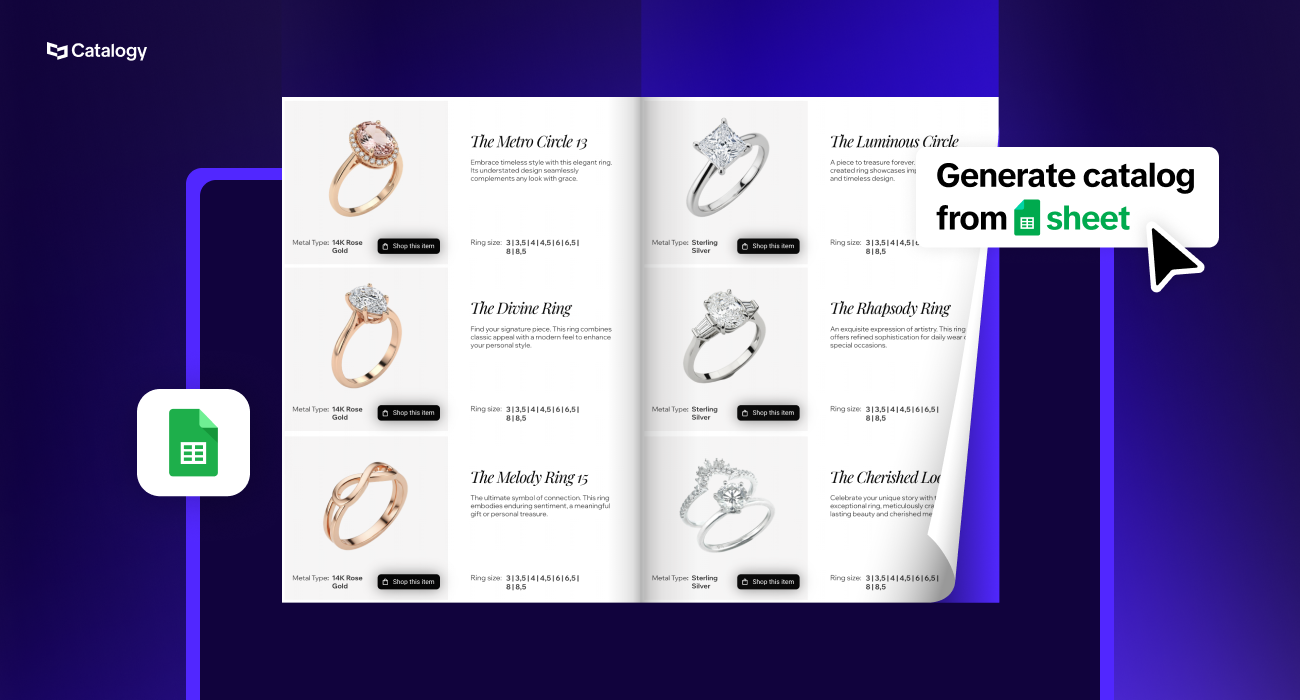
If you have your product data in a spreadsheet or a PIM system, the process is very fast. Catalogy is designed to pull that data automatically so you can stop doing manual updates immediately.
B2B buyers are often in the field. They might be in a factory, a retail store, or at a construction site. They need to access your inventory on their phones. If your catalog doesn't work on mobile, they can't do their jobs efficiently.
